"Reduce light" profile
Light sensitivity: dark mode for websites, in one click
Octeasy's "Reduce light" profile switches the page to a soft dark display and softens colours, even if the site has no dark theme of its own. White becomes a very dark grey, images keep their colours, and visitors can adjust everything.
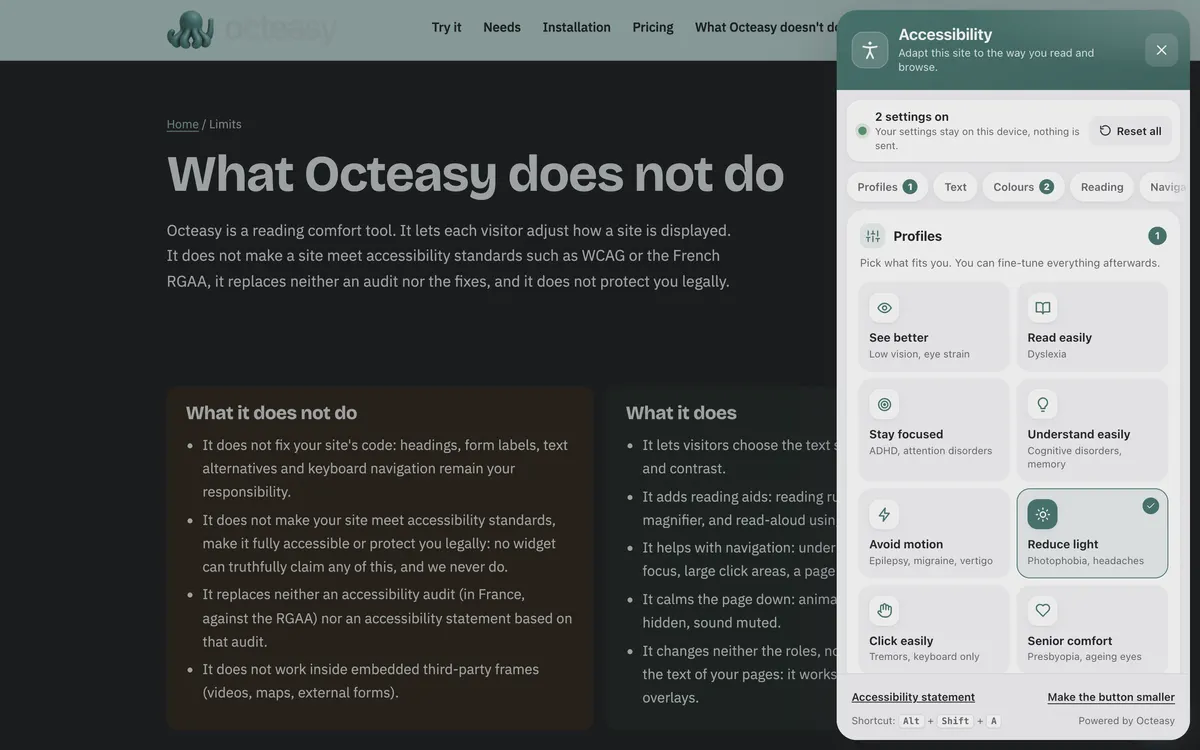
In the panel, choose "Reduce light". Shortcut: Alt + Shift + A.
- Free for visitors
- No cookies
- Settings stay on the device
- Panel in English and French
- Soft dark
- Very dark grey background
- Light grey text
- Soft colours (45% saturation)
- Images preserved
Who benefits from the "Reduce light" profile?
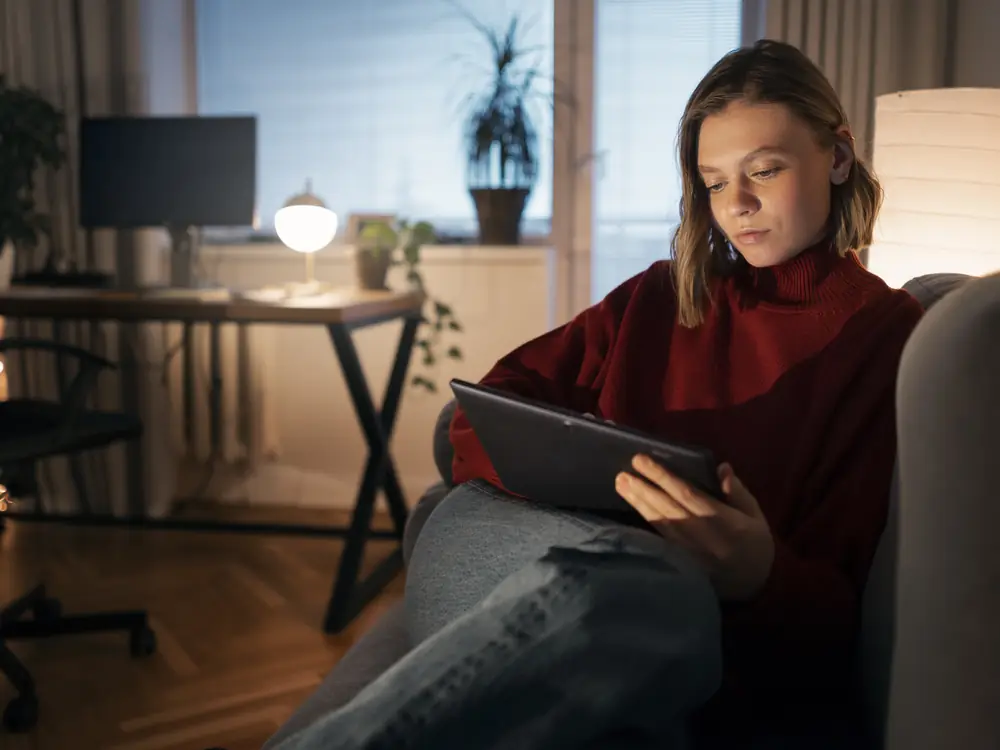
The profile is designed for people who find screen light uncomfortable: according to the NHS, sensitivity to light is among the symptoms of migraine, dry eyes and cataracts. It also helps anyone, with no condition at all, who reads in the dark or spends the whole day in front of a white screen.
With a condition
- MigraineDuring an attack, light is often hard to bear: a dark page and softer colours may make reading more tolerable.
- Dry eyesDry eyes can become sensitive to light: a less bright screen may feel more comfortable.
- CataractsBright light and glare are often uncomfortable: some readers then prefer light text on a dark background.
In everyday life, no condition at all
- "I read at night in the dark"A big white page in a dark room is like a lamp in your face: soft dark tones it down.
- "The white screen dazzles me"White becomes a very dark grey, without dimming the whole device.
- "I work on a screen all day"By the evening, switching a page to dark may feel more restful, without leaving the site.
- "I prefer dark mode"Your phone is in dark mode but this site is not: the profile closes the gap in one click.
Screen glare: what the profile changes
Large white backgrounds, harsh contrast and bright colours are among the things that get in the way when light is hard to bear. The "Reduce light" profile inverts the page by 92%, flips images back so they keep their colours and brings saturation down to 45%, across the whole page, without reloading it.
What gets in the way : The site has no dark mode
What the profile does : Soft dark display whole page
Calculated on top of the site, even with no dark theme planned.
What gets in the way : The white background glares
What the profile does : Soft dark display white → very dark grey
A deep grey rather than pure black.
What gets in the way : Pure white on pure black can be harsh too
What the profile does : Soft dark display black → light grey
Text turns light grey, not bright white.
What gets in the way : Photos would turn into negatives
What the profile does : Images preserved images and videos flipped back
They keep roughly their own colours; some images or charts may look imperfect.
What gets in the way : Bright colours catch the eye
What the profile does : Soft colours 45% saturation
"Grey" or "Vivid" also available.
Also in the panel
- Tinted background For those who would rather stay light: a cream, yellow, blue, green or pink tint over white.
- Dark contrast Black background, white text and yellow links, if soft dark is not sharp enough.
- Hide images A large, very bright photo disappears; the text stays.
- Text size and bold From 100% to 200%, and heavier text if it looks too thin on a dark background.
Before and after: the same page
First a paragraph on a white background, then the same one with the exact settings of the profile. To try it on a real page, open the widget.
Town library
During the October half-term, the library also opens on Monday mornings. Books reserved online can be collected from the front desk within eight days.
Browse the catalogueReserve
Switch a website to dark mode in three steps
On any site with Octeasy, with a mouse, a finger or the keyboard. The settings are then saved in the browser, for that site.
Open the panel
The round button at the bottom of the screen, or Alt + Shift + A.
Choose "Reduce light"
The page turns soft dark and colours soften straight away.
Fine-tune
Keep what helps, change the rest: dark contrast, tinted background, colours or hidden images.
Dark mode and readability: what the research says
Studies have not shown that dark mode helps everyone read better: for readers with normal vision, dark text on a light background keeps a slight advantage. Some readers with low vision, however, read faster with light text on dark. It is a matter of need and preference, hence a setting people choose.
Light on dark does not help everyone
Among younger and older adults, dark text on a light background gave better results than the reverse.
Piepenbrock et al., 2013But it helps some eyes
Readers with low vision whose eyes scatter light (cataract, corneal scarring) read 10 to 50% faster with white on black. Without this condition, there was no difference.
Legge et al., 1985The standards let people choose
WCAG provides for readers to select text and background colours (criterion 1.4.8, AAA). Browsers pass the device's light or dark preference on to the site.
W3C, WCAG 2.2; Media Queries Level 5Sleep and eye health: no promises
We have found no source solid enough to say that dark mode protects the eyes or improves sleep. Octeasy makes no such claim.
No solid source found as of 1 November 2026
The takeaway: dark mode is about comfort, not treatment, and what eases one person may bother another. Hence a one-click, reversible setting that each visitor keeps or not.
Adding dark mode to your website: what is left to do
Octeasy's soft dark is calculated on top of your site; a real dark theme, designed for it, looks better. These points are handled in your stylesheet and your visuals.
Dark theme
- A dark theme that follows the device setting (prefers-color-scheme).
- A switch to change it by hand, with the choice remembered.
- The CSS color-scheme property, so forms and scrollbars follow.
Light and visuals
- No large areas of pure white or very bright full-screen images.
- Logos and icons tested on a dark background.
- Charts whose colours stay distinct in both themes.
Contrast
- At least 4.5:1 for body text, in light and dark alike (WCAG 1.4.3).
- No overly pale grey in the name of softness: other readers lose out.
- A visible keyboard focus on both backgrounds.
Your questions about light sensitivity
How do I make a website dark mode?
If the site offers a dark theme, it often follows your device setting (the system dark mode). Otherwise, on a site with Octeasy, open the panel and choose "Reduce light": the page switches to soft dark, even if the site has no dark theme of its own.
Is dark mode better for your eyes?
There is no evidence to say so in general. For readers with normal vision, dark text on a light background even has a slight readability advantage (Piepenbrock et al., 2013). Many people still find dark mode more comfortable, especially in the dark: it is a matter of preference.
My screen is too bright: what can I do?
Lower the device brightness, turn on its dark mode and, on a site with Octeasy, choose "Reduce light" or a tinted background. Light sensitivity that comes on suddenly, or with pain or unusual headaches, is worth seeing a doctor about.
Does dark mode help with photophobia?
It can make a screen easier to bear by reducing the area of white. It does not treat the cause: migraine, dry eyes or cataracts, for example, are for a doctor to look at. The "Reduce light" profile is a reading comfort, worth keeping if you find it useful.
Why do some images look odd in dark mode?
Soft dark is calculated on top of the site: the page is inverted, then images and videos are flipped back to recover their colours. On some images, logos or charts, the result may still be imperfect. A dark theme designed by the site itself avoids this.
Does dark mode help you sleep better?
We have not found a source solid enough to say so, and Octeasy makes no such promise. The profile reduces the bright area of the page, which many people find more pleasant in the evening; for sleep, a health professional is the right person to ask.
Does Octeasy make my site accessible or meet the standards?
No. Octeasy is a reading comfort tool: it does not make a site meet WCAG or the French standard (RGAA), and it does not replace an audit. Text contrast (criterion 1.4.3) and a well-designed dark theme still need work on the site itself.
Is the widget free for visitors?
Yes. Visitors pay nothing and install nothing: every comfort feature is included in every plan, even the free one. No cookies; settings stay in their browser, for that site, and are still there on the next visit, so the page opens in soft dark straight away.
Sources (8)
- NHS, Migraine: symptoms
- NHS, Dry eyes
- NHS, Cataracts in adults
- W3C, WCAG 2.2, Understanding 1.4.8 Visual Presentation
- W3C, WCAG 2.2, Understanding 1.4.3 Contrast (Minimum)
- W3C, Media Queries Level 5, prefers-color-scheme
- Piepenbrock et al., "Positive display polarity is advantageous for both younger and older adults", Ergonomics, 2013
- Legge et al., "Psychophysics of reading. II. Low vision", Vision Research, 1985
Content reviewed on .
Try "Reduce light" here, then add it to your site
Visitors get every comfort feature, even on the free plan. A single line of script is all it takes.