

"See better" profile
Low vision: a website that is easier to see, in one click
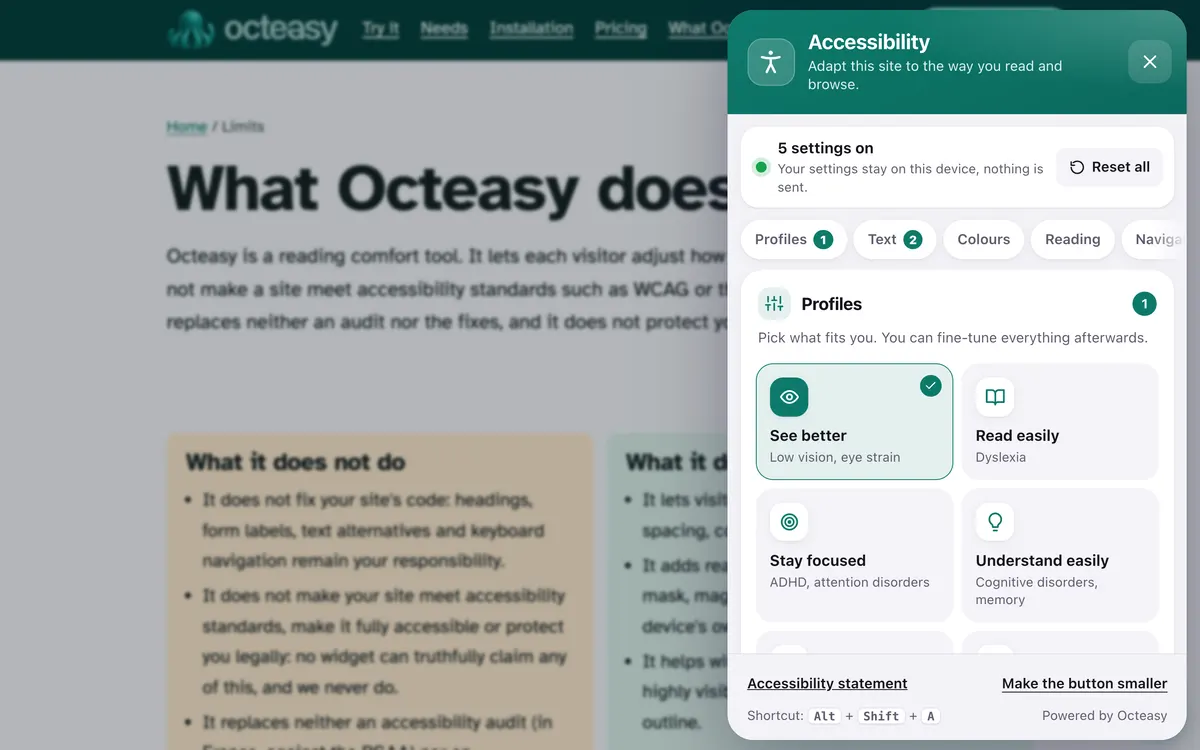
Octeasy's "See better" profile enlarges text to 130%, switches to a highly legible font, underlines every link and makes the keyboard focus and the cursor easy to see. Visitors stay in control of every setting, up to 200%.
In the panel, choose "See better". Shortcut: Alt + Shift + A.
- Free for visitors
- No cookies
- Settings stay on the device
- Panel in English and French


- Text 130%
- Atkinson Hyperlegible
- Underlined links
- Strong focus
- Big black cursor
Who benefits from the "See better" profile?
According to the WHO, at least 2.2 billion people worldwide have a near or distance vision impairment. The profile also helps people with no condition at all, when they have forgotten their glasses, are reading in the sun or on a small phone.
With a condition
- Macular degeneration (AMD)The leading cause of visual impairment after 50, according to France's Inserm, it affects central vision: larger text and the magnifier can make reading more comfortable.
- Cataract, glaucoma, diabetic retinopathyCloudy vision, weaker contrast, a narrower field of view: larger characters, underlined links and a clear cursor help you find your way.
- Colour blindnessAbout 1 in 12 men, according to the US National Eye Institute. Underlined links no longer depend on colour alone.
In everyday life, no condition at all
- "I've forgotten my glasses"Text at 130%, or more, gets you through reading an opening time or an address.
- "I'm reading in the sun"With glare on the screen, a crisper font and stronger contrast are easier to read.
- "The text is too small on my phone"Text size goes up to 200%, on every page of the site, with no pinching.
- "My eyes get tired on screen by the evening"Bigger characters take less effort when your eyes are tired.
What gets in the way with low vision, and what the profile changes
Small characters, look-alike letters, links you can only spot by their colour, a focus and pointer you lose track of: the "See better" profile fixes all five at once, across the whole page, without reloading it.
What gets in the way : Text is too small to read without effort
What the profile does : Text size 130%
Up to 200%, in steps of 10.
What gets in the way : Look-alike characters get confused
What the profile does : Highly legible font Atkinson Hyperlegible
Designed by the Braille Institute to tell each character apart.
What gets in the way : You can't see where the links are
What the profile does : Underline links every link
A link no longer depends on colour alone.
What gets in the way : You lose your place using the keyboard
What the profile does : Strong focus 4 px yellow outline
Edged in black, around the active element.
What gets in the way : The mouse pointer gets lost on the page
What the profile does : Big cursor black, 48 px
Also in big white, for dark backgrounds.
Also in the panel
- Magnifier It shows the text under the pointer, enlarged, in a bubble.
- Stronger contrast Dark or light contrast, soft dark or inverted: text stands out from the background.
- Read aloud A paragraph on click, or the whole page, using the voices installed on the device.
- Highlight links Links stand out on a yellow background, as well as being underlined.
Before and after: the same text
First a paragraph as you often see it, then the same one with the exact settings of the profile. To try it on a real page, open the widget.
Council: register office
The register office is open Monday to Friday, 8.30 am to 12 noon. To register a birth, please book an appointment online and bring the hospital discharge papers.
See opening timesBook an appointment
Make text bigger on a website in three steps
On any site with Octeasy, with a mouse, a finger or the keyboard. The settings are then saved in the browser, for that site.
Open the panel
The round button at the bottom of the screen, or Alt + Shift + A.
Choose "See better"
Text, font, links, focus and cursor change straight away across the page.
Fine-tune
Raise the size up to 200%, add the magnifier, stronger contrast or the voice.
Text size, contrast, legible fonts: what the standards say
The international WCAG guidelines draw on low vision to set a minimum contrast and resizable text. For the font, however, we found no published study measuring the effect of Atkinson Hyperlegible: Octeasy offers it without promising anything.
Contrast: 4.5 to 1
This ratio was chosen to compensate for the loss of contrast sensitivity that comes with acuity of about 20/40, common around age 80. 3 to 1 is enough for large text.
W3C, WCAG 2.2, criterion 1.4.3Resize up to 200%
Text must be able to double in size without loss of content or functionality, so that people with low vision can read it. The widget enlarges text, but a page that breaks at 200% still needs fixing.
W3C, WCAG 2.2, criterion 1.4.4Don't rely on colour alone
Information must not be conveyed by colour alone. Underlining links helps here; colour blindness affects about 1 in 12 men.
W3C, WCAG 2.2, criterion 1.4.1; National Eye InstituteAtkinson Hyperlegible: a design, no proof yet
The Braille Institute designed it to differentiate look-alike characters. No study is indexed under its name in PubMed as of November 2026.
Braille Institute; PubMed search
The takeaway: text size, contrast and cues that do not rely on colour are recognised needs. The highly legible font is an extra comfort, worth keeping if it helps.
Visually impaired website accessibility: what is left to do
A widget helps the visitor who opens it; a site that is readable by default helps everyone. These points, from WCAG, are handled in your colours, your stylesheet and your code.
Colour and contrast
- Contrast of at least 4.5 to 1 for body text (WCAG 1.4.3).
- At least 3 to 1 for large text, from 18 point or 14 point bold.
- No information conveyed by colour alone (WCAG 1.4.1).
Size and zoom
- Zoom to 200% without losing content (WCAG 1.4.4).
- Relative font sizes rather than fixed pixels.
- Real text, not images of text.
Navigation and code
- A keyboard focus that is always visible (WCAG 2.4.7).
- A text alternative for every image that carries information.
- Clean headings and labels, for screen readers.
Your questions about low vision
How do I make text bigger on a website?
Browser zoom works everywhere: Ctrl and + on Windows, Cmd and + on a Mac, or pinch the screen on a phone. On a site with Octeasy, the "See better" profile sets text to 130%, and the setting goes up to 200% on every page, without repeating the gesture.
What is the most legible font for low vision?
No single font suits everyone. Atkinson Hyperlegible was designed by the Braille Institute to tell similar characters apart, but no published study has measured its effect yet. Size, contrast and spacing matter a great deal. Octeasy leaves the choice to the reader: Atkinson Hyperlegible, OpenDyslexic or the site's own font.
Does the widget help blind people?
No. Blind people use a screen reader, such as NVDA, JAWS or VoiceOver, which reads the page aloud and is driven by keyboard or gestures. The widget does not replace it and must not get in its way: for them, what matters is the quality of the site's code.
How can I read more easily on screen with macular degeneration?
Macular degeneration affects central vision, the part used for reading. Larger text, the magnifier, stronger contrast and read aloud can make reading more comfortable. They do not treat anything: an eye specialist or a low vision service can recommend aids suited to each person.
What does "Simulate colour blindness" do?
It is for checking a site, not for correcting anyone's sight. The site's team sees the page as someone who confuses red, green or blue, and spots information carried by colour alone. For colour-blind visitors, underlined links are what helps day to day.
What is the minimum contrast for readable text?
WCAG requires a ratio of at least 4.5 to 1 between body text and its background, and 3 to 1 for large text, from 18 point or 14 point bold (criterion 1.4.3, level AA). Octeasy's contrast modes strengthen the display for visitors who choose them.
Does Octeasy make a site meet WCAG?
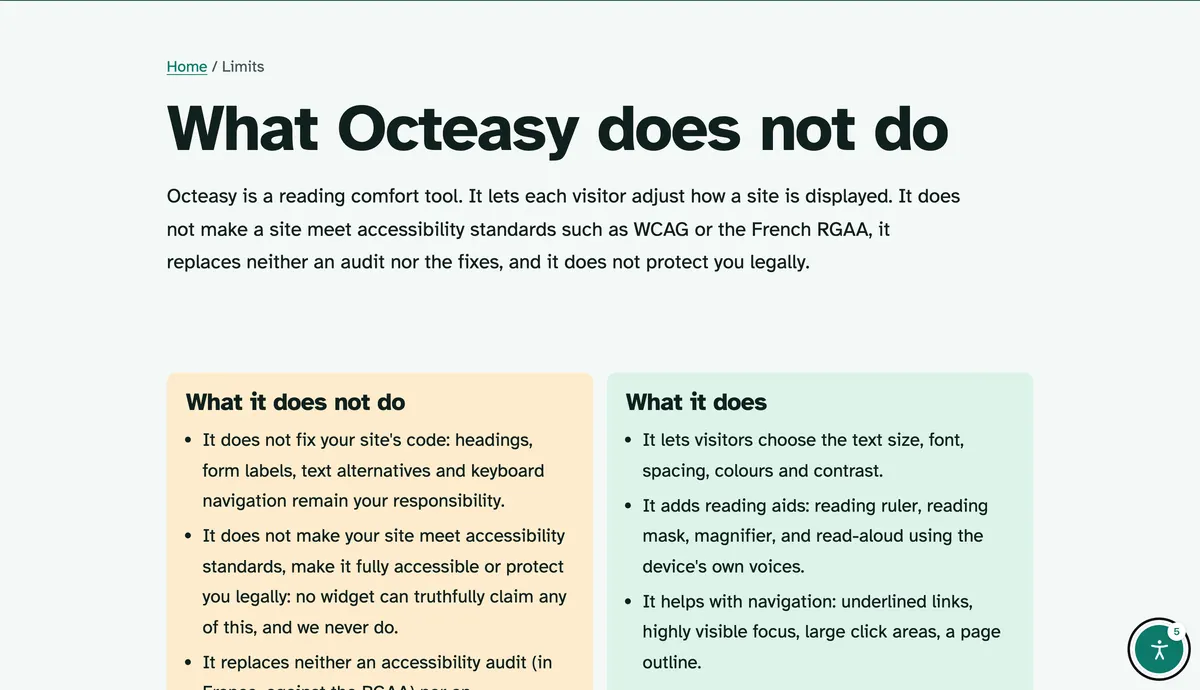
No. Octeasy is a reading comfort tool: each visitor adapts the display to their eyesight. It does not make a site meet WCAG or the French standard (RGAA), and does not replace an audit. Contrast, 200% zoom and image alternatives are handled in the site itself.
Is the widget free for visitors?
Yes. Visitors pay nothing and install nothing: every comfort feature is included in every plan, even the free one. No cookies; settings stay in their browser, for that site, and come back on every visit.
Sources (8)
- WHO, "Blindness and vision impairment", fact sheet, 10 February 2026
- Inserm, "Dégénérescence maculaire liée à l'âge (DMLA)" (in French), 2024
- National Eye Institute, "Color Blindness"
- W3C, WCAG 2.2, Understanding 1.4.3 Contrast (Minimum)
- W3C, WCAG 2.2, Understanding 1.4.4 Resize Text
- W3C, WCAG 2.2, Understanding 1.4.1 Use of Color
- W3C, WCAG 2.2, Understanding 2.4.7 Focus Visible
- Braille Institute, Atkinson Hyperlegible
Content reviewed on .
Try "See better" here, then add it to your site
Visitors get every comfort feature, even on the free plan. A single line of script is all it takes.